🍗 wh-pos
Cloud-based Point of Sale · Browser-first · Real-time · Multi-device
🛠 Tech Stack
Vue 3
Composition API · Single-file components · Reactive UI
Frontend Framework
Pinia
Global state management · Workspace, cart, settings stores
State Management
Vue Router 4
Client-side routing · Admin guards · Route-based code splitting
Routing
Vite 7
Build tool · Manual chunk splitting · Hot module replacement
Build Tool
Firebase Firestore
Real-time NoSQL database · onSnapshot live sync · Multi-device
Cloud Database
Dexie.js 4
IndexedDB wrapper · Local expenses, employees, image cache
Local Storage
ApexCharts
Revenue charts · Analytics dashboards · Lazy-loaded bundle
Data Visualisation
Lucide Vue
Icon library · Tree-shaken at build · Minimal footprint
Icons
Cloudflare Pages
Global CDN · Auto-deploy on git push · Edge-cached assets
Hosting
CSS Tokens
Custom properties · Dark & light mode · No CSS framework
Styling
⚡ Application Layers
Layer 1
User Devices
- Staff counter tablet
- Kitchen display screen
- Customer phone (QR)
- Any modern browser
- No install required
Layer 2
CDN Hosting
- Cloudflare Pages
- Global edge network
- Auto-deploy on push
- Static file serving
- Env secrets injection
Layer 3
Vue 3 SPA
- Vue Router 4 (11 routes)
- Pinia stores × 3
- Staff · Admin · Customer views
- Dark / Light theme
- Mobile + desktop layouts
Layer 4
Data Storage
- Firestore — orders
- Firestore — settings
- Firestore — menu items
- IndexedDB — expenses
- IndexedDB — image cache
Layer 5
Build Pipeline
- Vite 7 bundler
- 6 manual chunks
- ApexCharts lazy-loaded
- GitHub → Cloudflare CI
- ~90s deploy time
📋 How an Order Works — From Tap to Report
A visual walkthrough of the complete order lifecycle
🍽️ Staff taps "New Order"
▼
What type of order?
🪑 Dine In
Customer at a table
→ Pick table number
→ Pick table number
📦 Parcel
Takeaway order
→ Enter customer name
→ Enter customer name
📞 Call Order
Phone order
→ Enter name & phone
→ Enter name & phone
▼
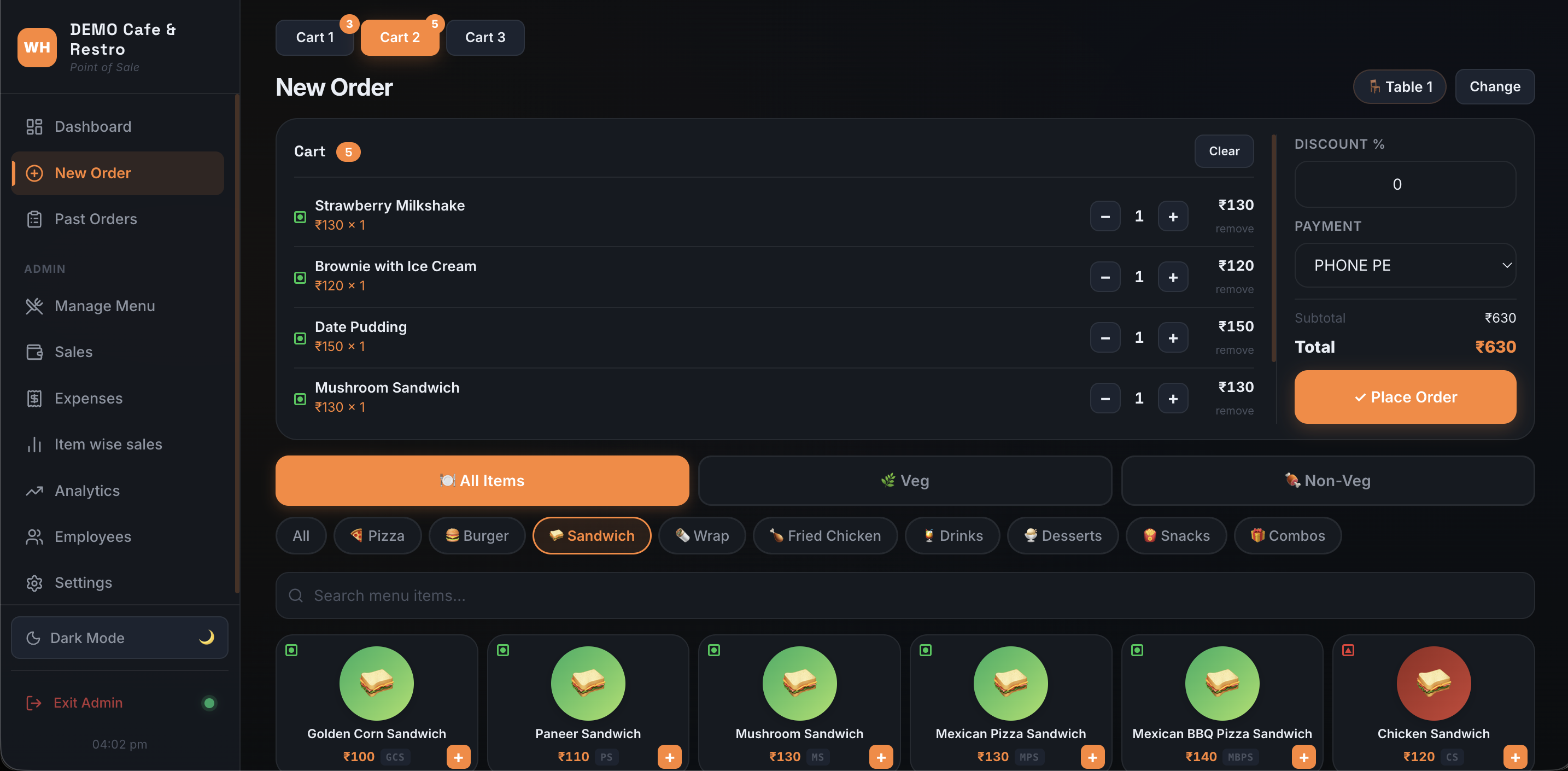
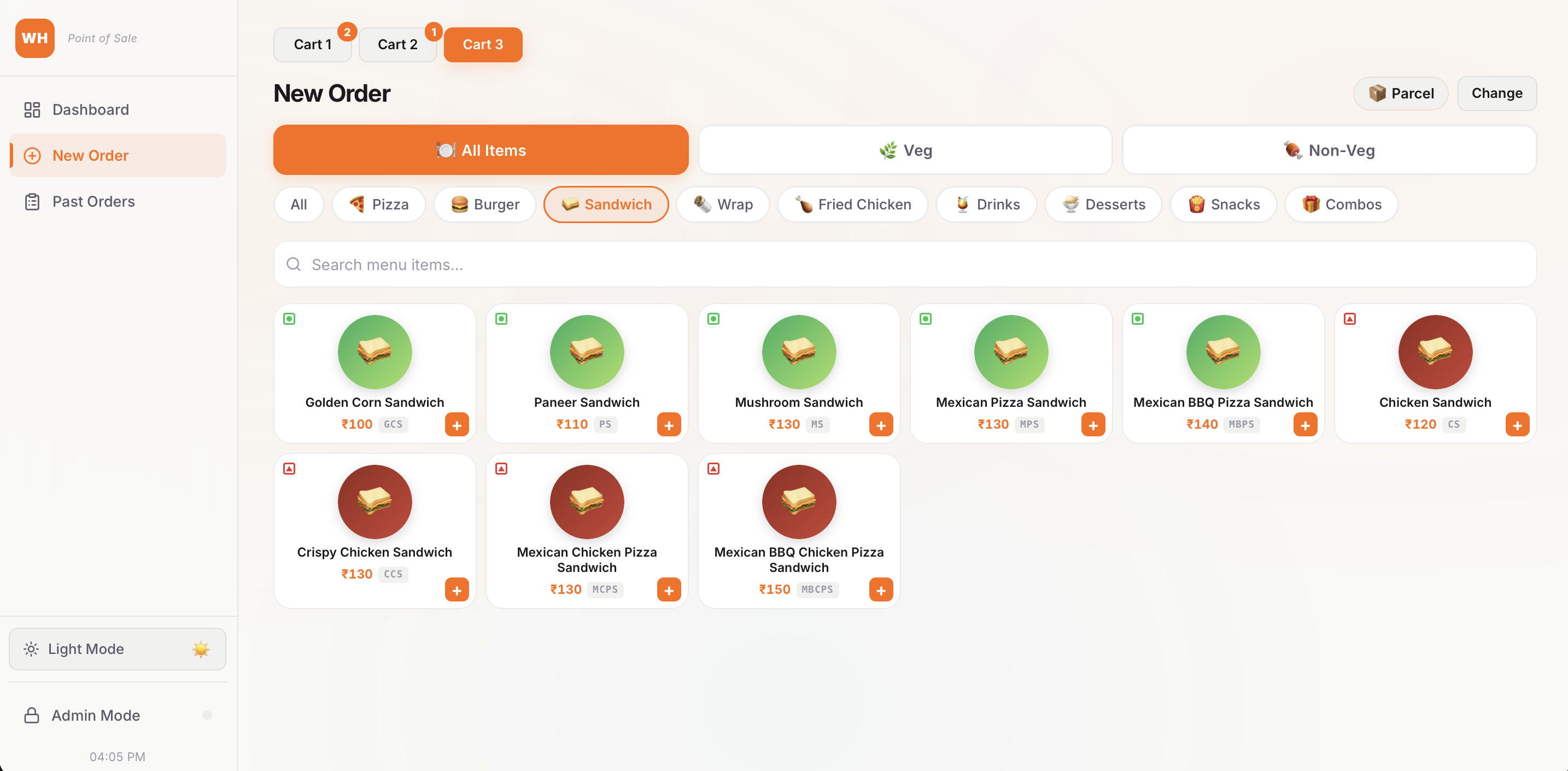
🍔 Browse Menu — Add items to the cartDiet filter tabs · Category chips · Live search · Tap to add
▼
🛒 Review Cart — Apply discount, select payment methodCash · Card · UPI · Other
▼
✅ Tap "Place Order" — Order saved to cloud instantlyOrder ID generated · Visible on all devices in this workspace
▼
Print KOT for kitchen?
✅ YES — Print KOT
🖨️ KOT sent to printer
Items only · no prices
Kitchen gets paper ticket
Items only · no prices
Kitchen gets paper ticket
⏭ NO — Skip print
Kitchen notified
verbally or via the
dashboard screen
verbally or via the
dashboard screen
▼
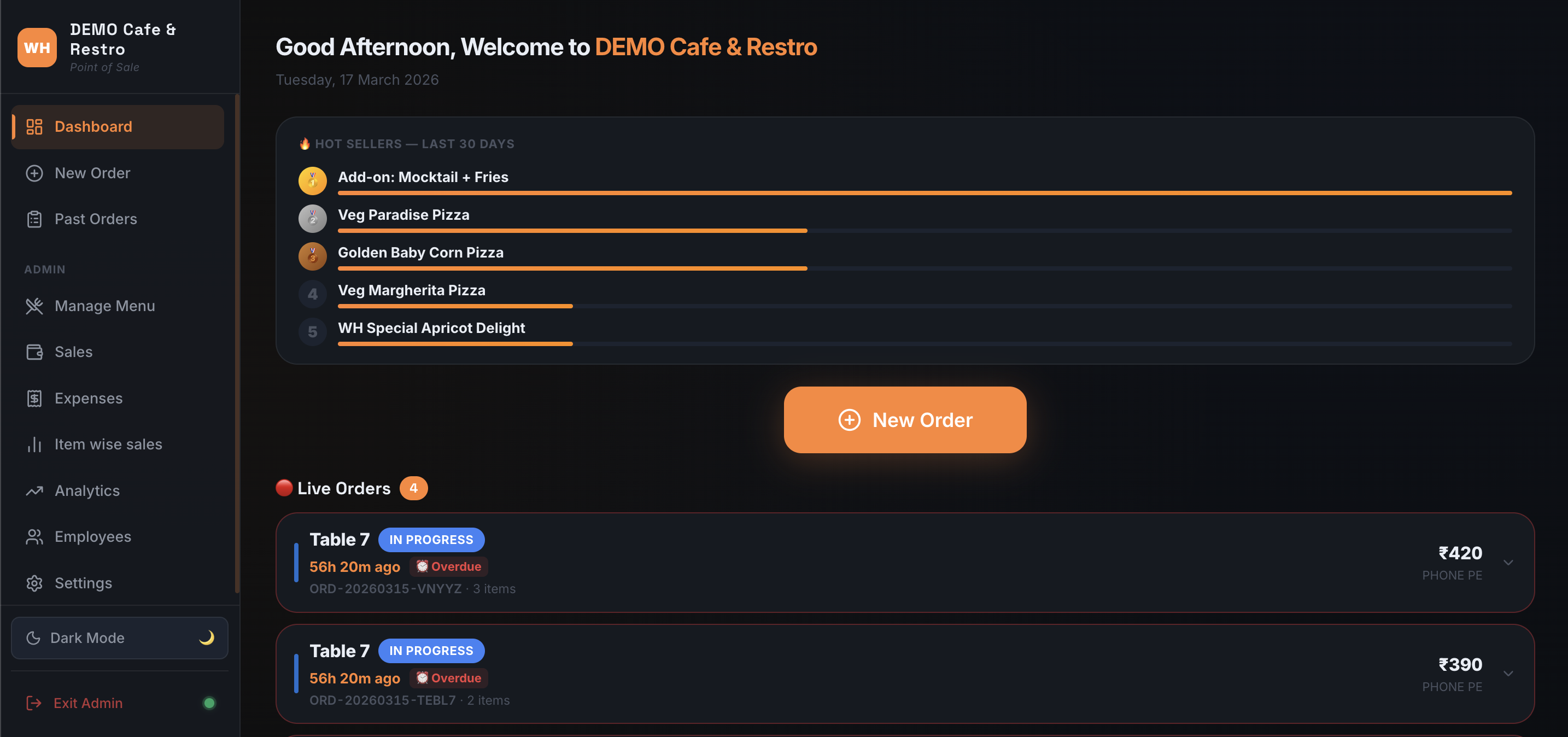
📊 Order appears on the Live Dashboard — visible on all devicesStaff screen · Kitchen display · Any device in this workspace
▼
⏱️ Elapsed time tracked from the moment the order was placed
▼
Under 30 minutes
Normal — shown in white. No action needed.
30 – 60 minutes
Attention — timer turns orange.
Over 1 hour
Urgent — timer blinks red.
▼
Customer orders more via QR?
📱 YES — QR add-on
🔔 Badge blinks gold
on Dashboard
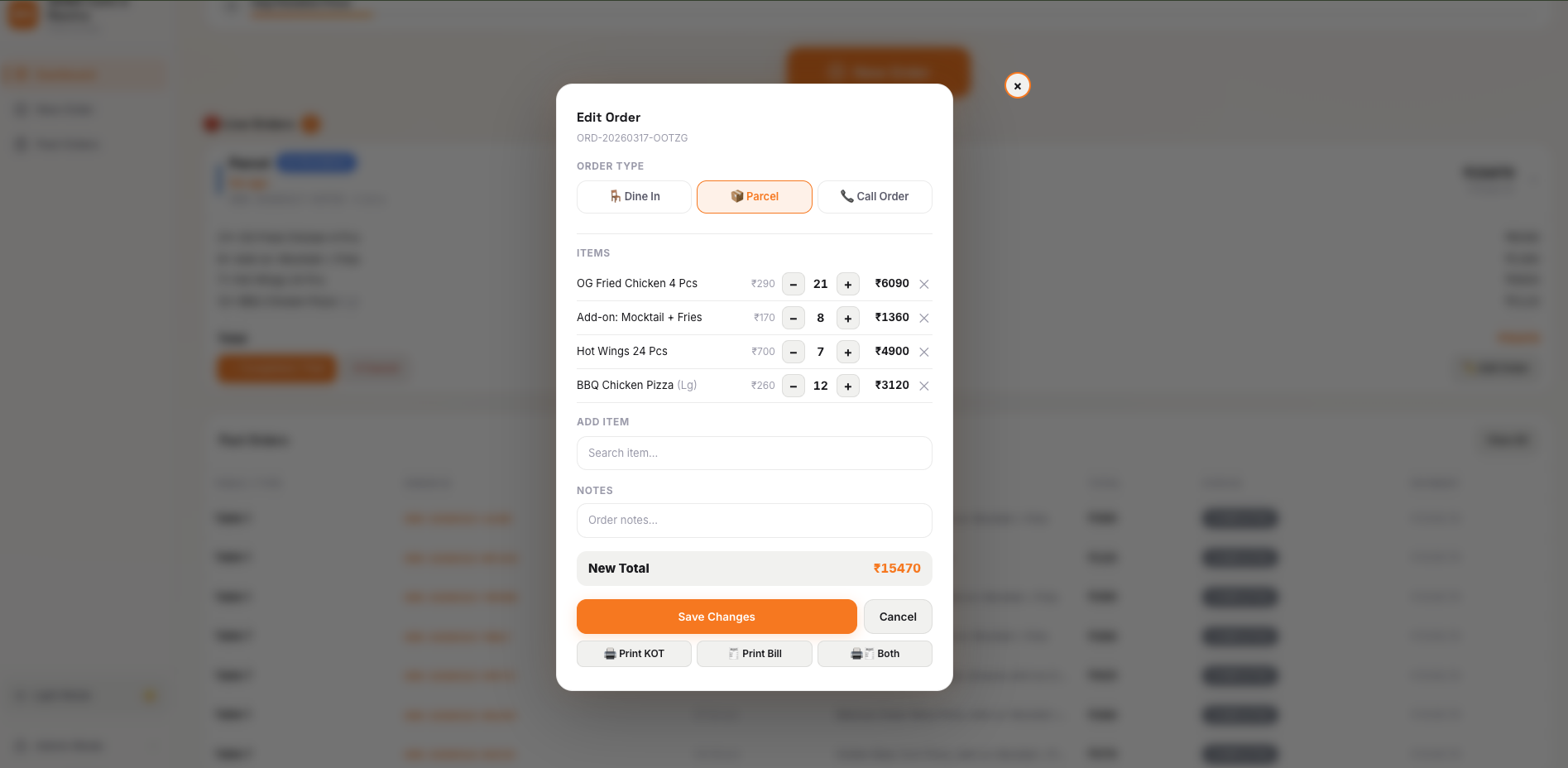
Staff prints New KOT
on Dashboard
Staff prints New KOT
NO — order complete
No action needed
Proceed when ready
to mark completed
Proceed when ready
to mark completed
▼
✅ Staff taps "Mark as Completed"Order leaves the live board · Saved to order history
▼
📂 Order saved to Past Orders historyDate & status filters · Re-print KOT or Bill any time
▼
📈 Order data flows into all reporting modules
▼
Sales / Finance
Revenue charts, daily/monthly totals, CSV export
Item Sales
Per-item breakdown — quantity sold, revenue per dish
Analytics
Busiest hours, day-of-week trends, payment splits
App Screenshots